The direct answer
Write the gate brief as an arrival sequence, not as a single door-station purchase. Define how residents, expected visitors, deliveries, service teams and emergency responders approach the property; how they call; who can see or hear them; which gate may be released; and what happens when power, network or internet service is unavailable. Freeze the cable routes, device recesses, drainage, power supplies and controller location before boundary walls, paving and external finishes close. Product selection can follow once those operating decisions are clear.
Map people and openings first
Most villas have at least two different entry problems: a pedestrian gate and a vehicle gate. Some also have a service gate, garage door or internal lobby. List each opening and the people who use it. Residents may prefer a credential or phone, while a courier needs a simple call point and a safe place to wait. A cleaner or maintenance visitor may need a time-limited method. Avoid giving one device an undefined job such as “control the gate”; state exactly which lock, strike or operator it can release and whether confirmation is visible.
Compare three operating models
A stand-alone intercom can be simple and local, but may offer limited integration. An IP intercom can use the property network and reach indoor stations or approved mobile devices, but needs deliberate network and account ownership. A wider access-control system can manage credentials and multiple openings, but adds controllers, permissions and handover tasks. The right choice depends on the number of gates, the need for remote response, household preferences and who will maintain accounts. More integration is not automatically more reliable.
- Local call and release only
- Networked video call with indoor or mobile answering
- Integrated access control with managed resident credentials
Coordinate the physical infrastructure
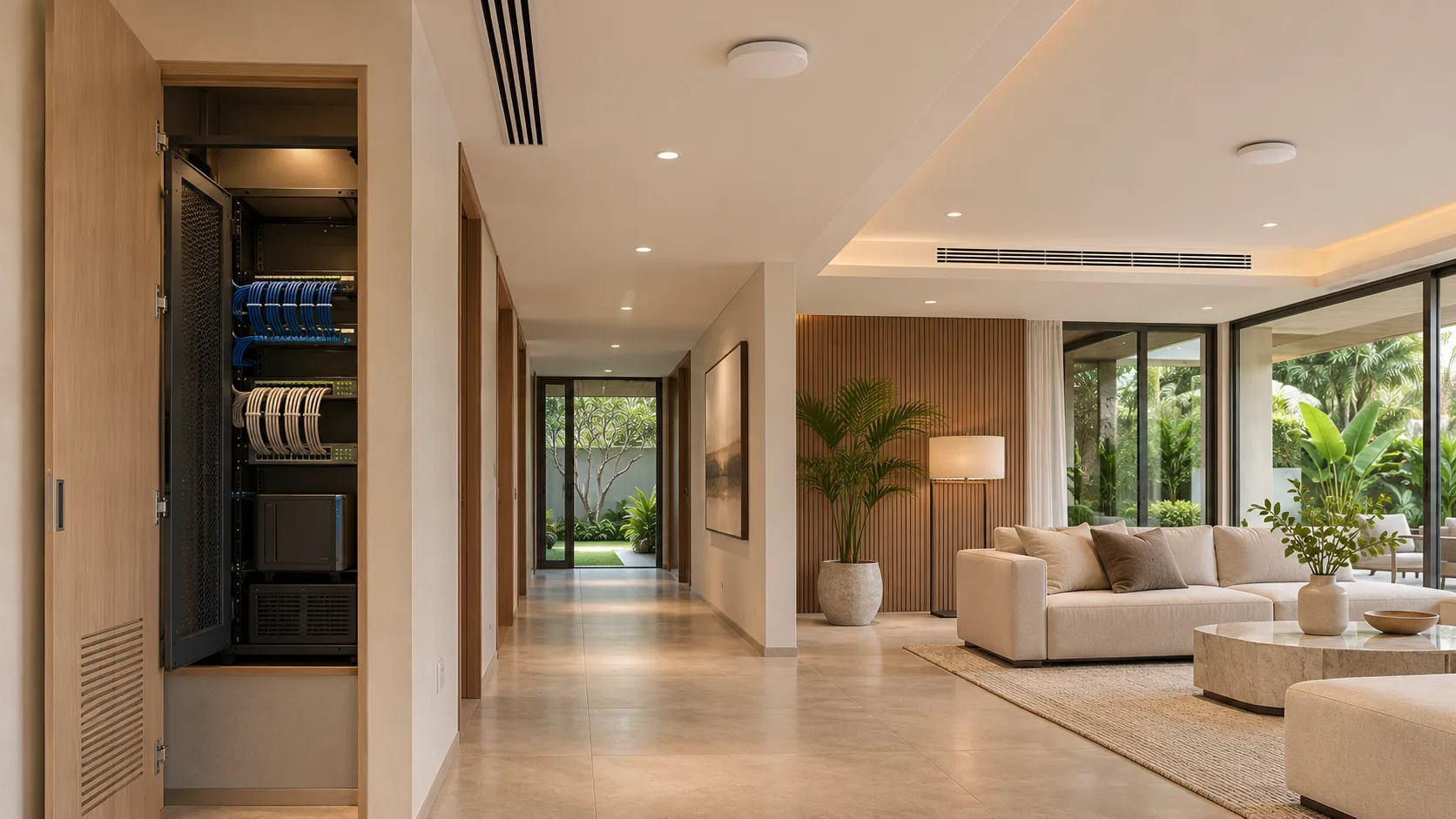
The brief should show a protected route between the gate, house and equipment location, with cable types and separation confirmed by the responsible specialists. Outdoor equipment needs a suitable enclosure rating, drainage and mounting height for the actual exposure. Gate hardware, locks and operators require their own safe design and commissioning; this article does not provide installation instructions. Allow an accessible, ventilated location for power supplies, network equipment and controllers, and record spare containment where future replacement might otherwise disturb finished walls or paving.
Plan for failure, not only normal use
Ask what still works during a power cut, network failure, internet outage or failed phone. Decide whether the household needs a local indoor station, battery-backed controller, manual gate release or a clearly documented alternative entry method. The final design must preserve safe egress and comply with the selected gate hardware and relevant requirements. Remote release should never rely on an unclear camera view or an account nobody owns. A practical brief also describes how an invalid credential is removed and how lost phones are handled. Include a maintenance position as well: where a technician can isolate and test the system without opening finished walls, how the gate can be secured while equipment is serviced, and which spare components or configuration records are handed over. These decisions turn a visually neat entrance into an operable long-term system.
Planning example
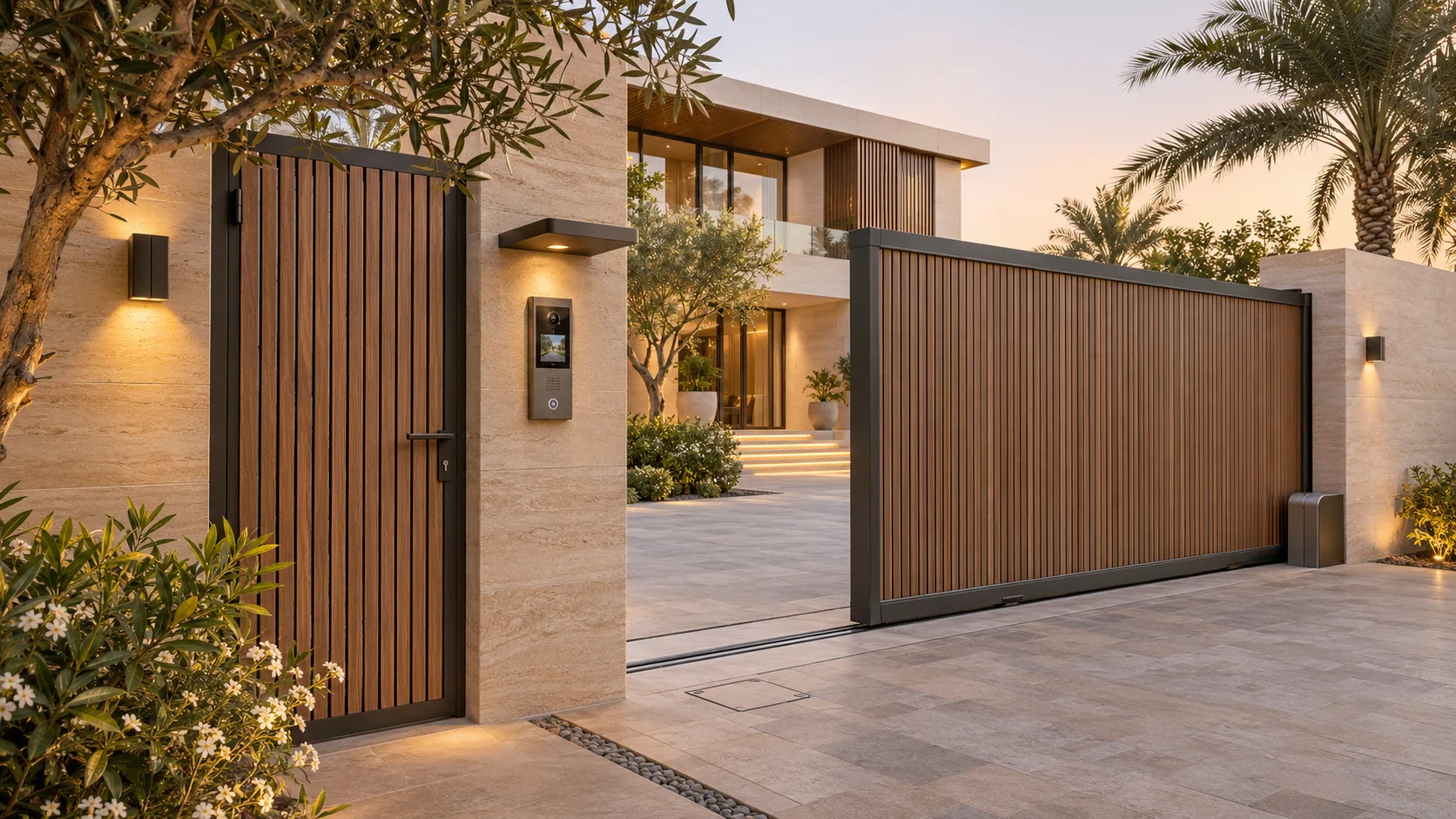
Planning example: a villa has a sliding vehicle gate and a separate pedestrian gate. Visitors call from one weather-protected station. The resident can view the pedestrian approach and release only the pedestrian gate from an indoor station; vehicle-gate operation remains a separate resident function. The controller, network switch and power supplies sit in an accessible internal cabinet, with a documented route to the boundary and a local method that remains available if internet access fails. This is a design scenario, not a completed project or approval template.
Privacy and account ownership
A video intercom may capture people outside the boundary, so camera angle, retention, access and notifications should be limited to the operational need and checked against applicable rules. The client handover should identify the owner of every administrator account, recovery email and subscription. Avoid installer-owned credentials. Decide whether clips are stored locally or in a cloud service, how long they remain, and who can export them. If the proposal forms part of a regulated security scope, confirm the current approval and equipment-certification route with the responsible security specialist.
Gate-system briefing checklist
Use the checklist before quotations are compared.
- List every pedestrian, vehicle and service opening
- Define resident, visitor, delivery and service-team journeys
- State which device can release which opening
- Show power, network, controller and cable routes
- Confirm outdoor exposure, drainage and mounting constraints
- Describe power, network and internet failure behaviour
- Assign administrator accounts and credential-removal duties
- Require functional testing, as-built records and user handover
Important limitations
A clear brief does not replace detailed electrical, network, gate-safety or security design. Wireless coverage at a boundary can change after landscaping and metalwork are installed. Mobile answering depends on phone settings and service availability. Video quality varies with light, lens position and cleaning. A gate operator has safety risks that must be addressed by competent specialists. Current authority, community and security requirements can vary by site and scope, so the responsible project team should verify them before procurement.
A sensible next step
Before boundary finishes are released, hold a short interface review with the architect, gate supplier, electrical contractor, network or smart-home specialist and security adviser where applicable. Walk through five scenarios: resident arrival, visitor call, delivery, power failure and lost credential. Mark every device, cable route, controller and account owner on one coordinated schedule, then price that schedule consistently.
Sources & further reading
Make this useful for your project.
A review of your property and priorities can turn general guidance into a defined brief.
Explore Smart home upgradesDiscuss your project